
Documentation
Status and incidents in the NexoRouter documentation.
Status and incidents
Status: Operational support entry.
Use this page when you need to decide whether an API failure is caused by your request, your account, NexoRouter gateway limits, or a model-specific upstream issue.
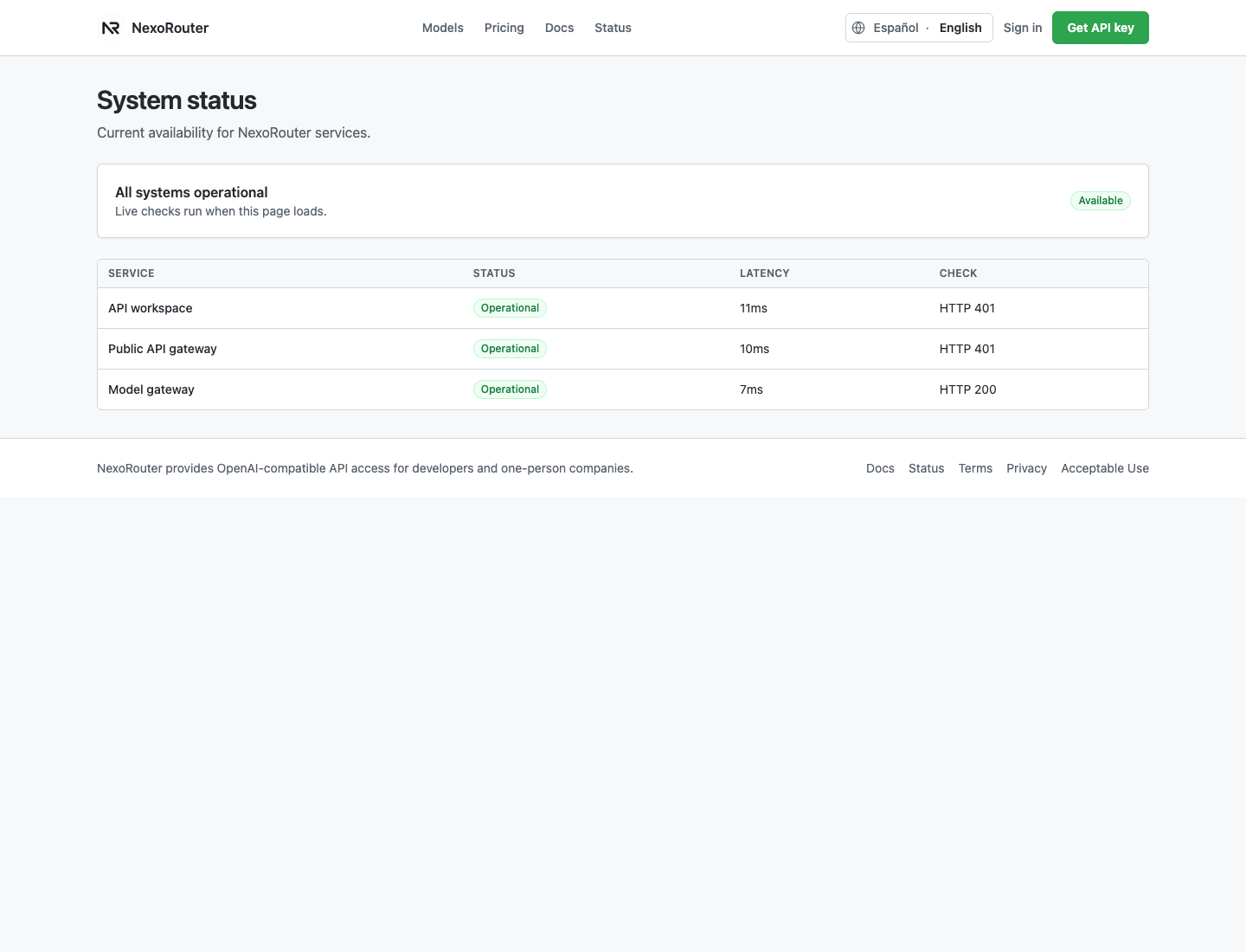
Where to check first
| Question | Check |
|---|---|
| Is the public site or gateway unavailable? | Status |
| Did the request reach NexoRouter? | Usage Logs |
| Is the account able to spend? | Billing |
| Is the key enabled and scoped correctly? | API Keys |
| Is the model available in the public catalog? | Models |
| What does the error code mean? | Error handling |
Fast triage
- Test
GET /v1/modelswith the same key. - Check whether the failing request appears in Usage Logs.
- If it appears, copy the request ID, result status, model ID, latency, and error code.
- Try one small non-streaming request with a known fast model.
- Check Status for NexoRouter gateway and model gateway availability.
- If only one model fails, switch model temporarily and include both model IDs in the support note.
Decision table
| Observation | Likely area | Next action |
|---|---|---|
GET /v1/models fails with the same key | Key, account, or gateway | Check API Keys, Billing, and Status. |
| Request never appears in Usage Logs | Client, network, base URL, or wrong provider config | Confirm base URL, proxy, and tool provider selection. |
Usage Logs shows invalid_api_key | Key or auth header | Follow API key invalid. |
Usage Logs shows model_not_found | Model ID or key model scope | Copy model ID from Models and check the key scope. |
| Usage Logs shows quota/balance error | Billing or key budget | Check Billing and create a replacement key if the key budget is too low. |
| One model fails but another works | Model-specific upstream or model routing | Use the working model temporarily and report both model IDs. |
| All models time out from one network | Client network, proxy, firewall, or region | Try another network or server and review Network/proxy. |
Known-safe test request
Use a small non-streaming request while debugging:
curl https://api.nexorouter.com/v1/chat/completions \
  -H "Authorization: Bearer $NEXOROUTER_API_KEY" \
  -H "Content-Type: application/json" \
  -d '{
    "model": "deepseek-v4-flash",
    "messages": [
      { "role": "user", "content": "Reply with: ok" }
    ],
    "max_tokens": 16
  }'
If this succeeds but your app still fails, the issue is likely in app configuration, request size, streaming, tool calling, proxy behavior, or model choice.
What to include in support
Request ID:
Model ID:
Endpoint:
Usage Logs status:
Client HTTP status, if available:
Error code:
Approximate time:
Client/tool:
Whether /v1/models works:
Whether a small non-streaming request works:
Do not include the full API key. If a key may have leaked, revoke it and create a new one before sharing diagnostics.
What not to infer
- Status can show NexoRouter availability, but it does not prove every upstream model is healthy.
- A successful text request does not prove streaming or tool calling works for that model.
- A model missing from your key scope is not the same as a model being unavailable globally.
- A client timeout is not always a gateway outage.