
Documentation
API Keys in the NexoRouter documentation.
API Keys
Status: Stable dashboard workflow.
An API key is the credential your app or tool uses to call NexoRouter. Treat it like a password.
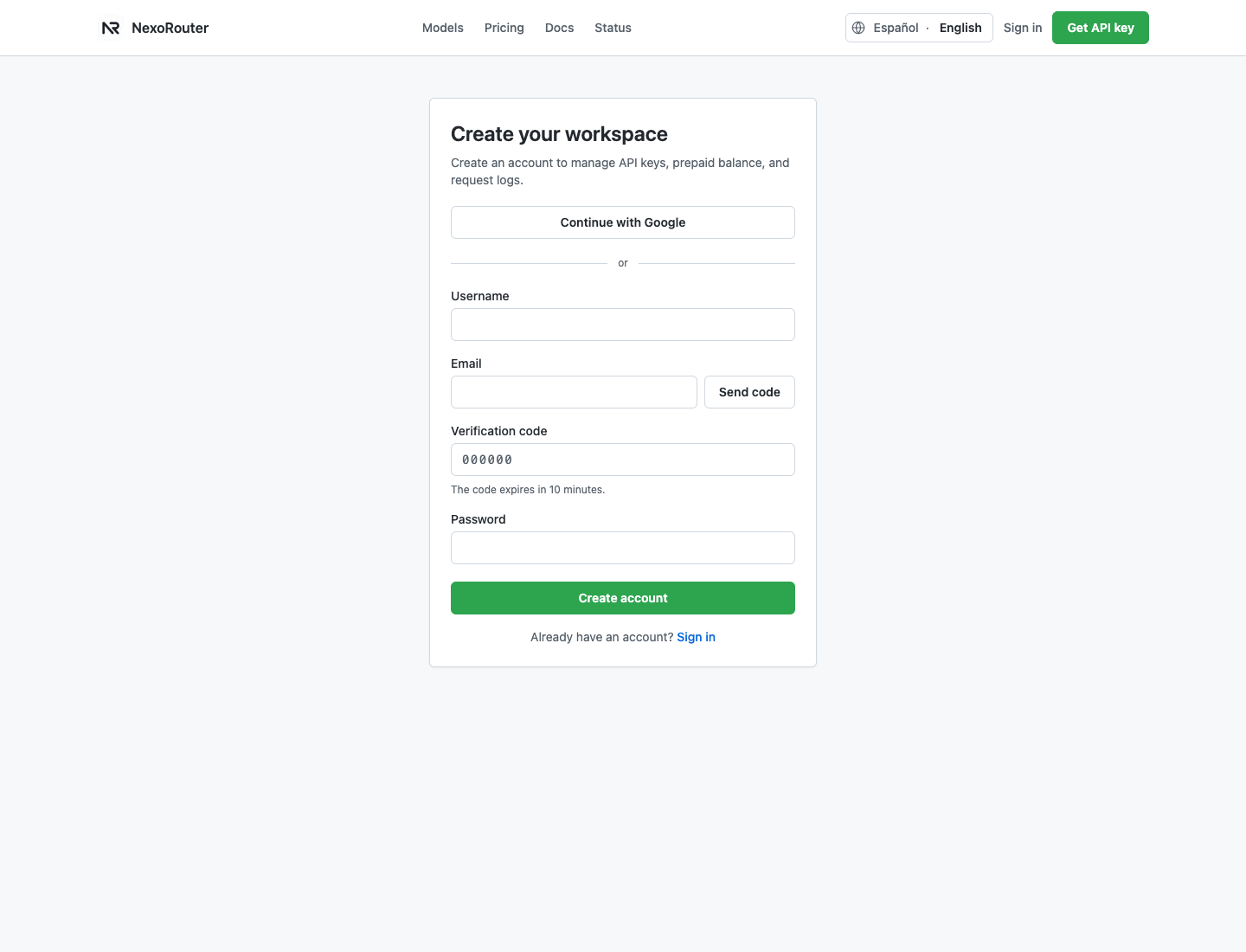
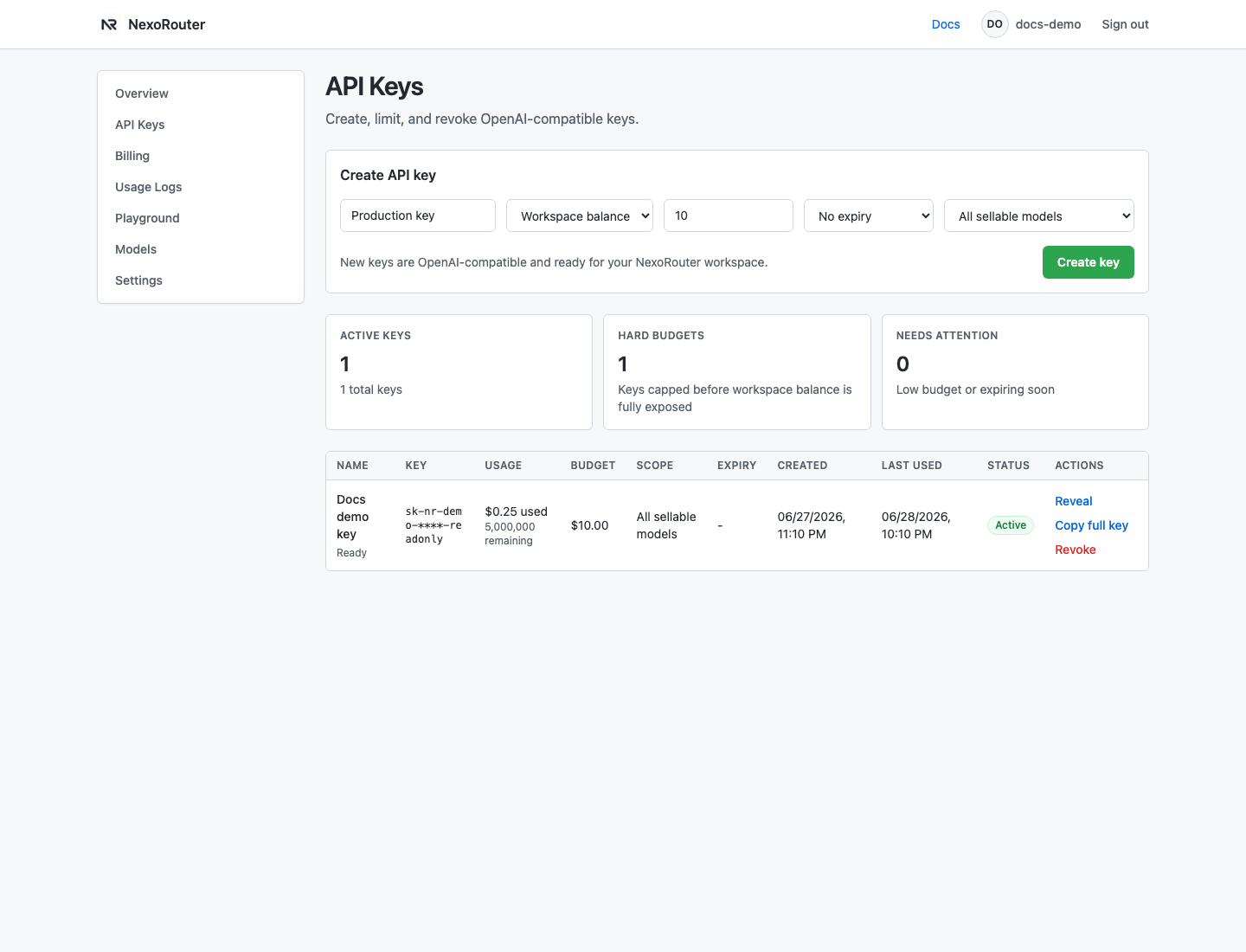
The dashboard screenshot above uses sanitized demo data. Use it to locate the real fields; do not copy the demo key text.
Recommended key workflow
- Create an account or sign in.
- Open API Keys.
- Create one key per app, environment, or tool.
- Set a budget when the key is for a test, a tool, or a teammate.
- Set model scope when the key should only call specific models.
- Reveal the key once and store it in a secret manager.
- Revoke leaked or unused keys.
Header format
Authorization: Bearer YOUR_NEXOROUTER_API_KEYSafe naming
Use names that make rotation easy:
production-api
staging-api
cline-local
dify-workspace
open-webui-lab
Verification
After creating a key, send a tiny chat/completions request and check Usage Logs. If the key never appears in logs, the request did not reach NexoRouter with that key.