
Documentation
Quickstart in the NexoRouter documentation.
Quickstart
This guide gets a first OpenAI-compatible NexoRouter request working in a few minutes.
Path
| Step | Goal | Where to verify |
|---|---|---|
| Create a key | Get a credential for one project or tool | Dashboard -> API Keys |
| Pick a model | Copy the exact model ID | Models |
| Send a request | Confirm the API path works | Terminal or app logs |
| Check the result | Confirm billing, latency, and request ID | Usage Logs |
What you need
- A NexoRouter account.
- Prepaid balance in Billing.
- An active API key from Dashboard -> API Keys.
- A publicly available model ID from Models.
1. Create an API key
Open Dashboard -> API Keys and create a key.
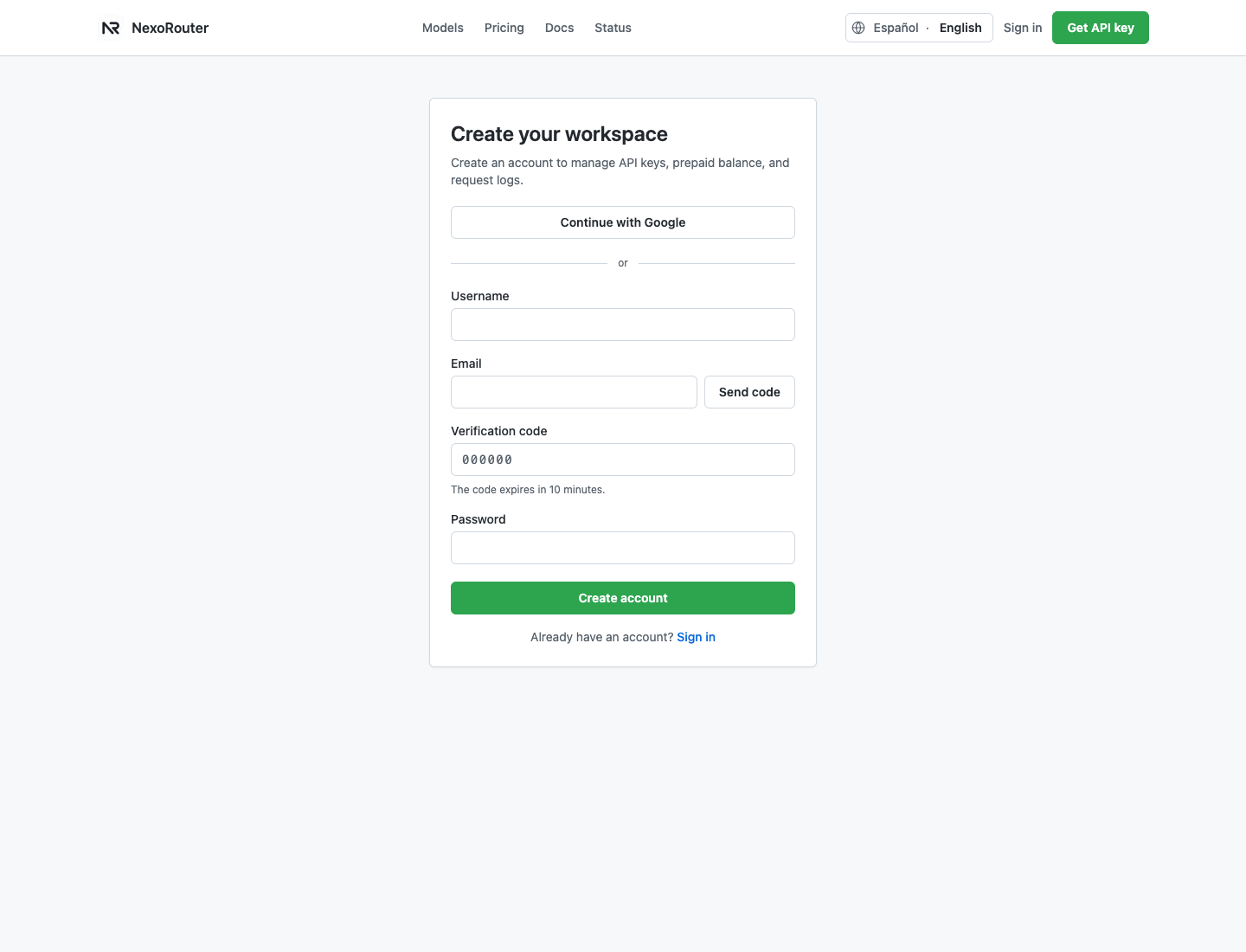
Recommended settings for a first test:
| Field | Suggested value |
|---|---|
| Name | local-dev or the project name |
| Budget | Workspace balance for a quick test, or $5 for a hard cap |
| Expiry | 30 days for local testing, never only when you manage rotation elsewhere |
| Model scope | All models for exploration, or one copied model ID for strict control |
Copy the full key when it is shown. Store it in an environment variable and do not paste it into Git, screenshots, tickets, or public chat.
export NEXOROUTER_API_KEY="your_nexorouter_key"2. Set the base URL
Use the production base URL:
https://api.nexorouter.com/v1Most SDKs and tools want the base URL only up to /v1. Do not add /chat/completions unless the tool explicitly asks for a full endpoint.
| Field name in tools | Value |
|---|---|
| Base URL, API URL, OpenAI Base URL, or Endpoint | https://api.nexorouter.com/v1 |
| API key, OpenAI API key, or Bearer token | Your NexoRouter API key |
| Model | A model ID copied from Models |
3. Choose a model
Open Models and copy the exact model ID. Model IDs are case-sensitive.
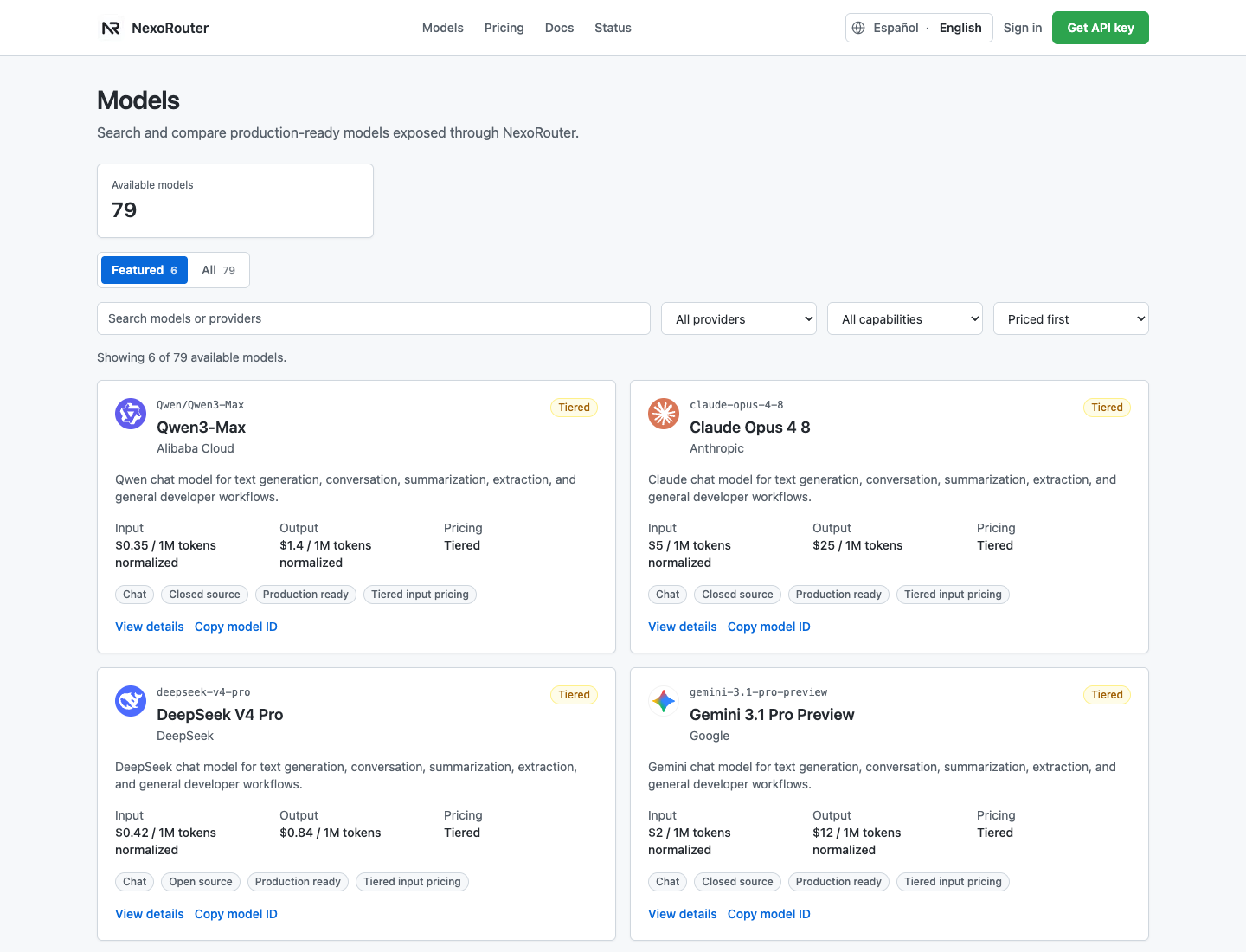
Good first choices:
| Model ID | Best for |
|---|---|
deepseek-v4-flash | Low-cost API checks, automation, and agent loops |
gpt-4o-mini | General app features, extraction, and support workflows |
Qwen/Qwen-Plus | Balanced multilingual generation |
4. Send a request
curl https://api.nexorouter.com/v1/chat/completions \
  -H "Authorization: Bearer $NEXOROUTER_API_KEY" \
  -H "Content-Type: application/json" \
  -d '{
    "model": "deepseek-v4-flash",
    "messages": [
      { "role": "system", "content": "You are a concise assistant." },
      { "role": "user", "content": "Reply with one sentence: NexoRouter is connected." }
    ],
    "temperature": 0.7,
    "max_tokens": 128
  }'
A successful response contains the answer at choices[0].message.content.
5. Use an OpenAI SDK
Use the OpenAI SDK only with an explicit NexoRouter base URL. Keeping the official OpenAI default base URL while using a NexoRouter key will fail.
Python:
import os
from openai import OpenAI

client = OpenAI(
    api_key=os.environ["NEXOROUTER_API_KEY"],
    base_url="https://api.nexorouter.com/v1",
)

response = client.chat.completions.create(
    model="deepseek-v4-flash",
    messages=[
        {"role": "user", "content": "Reply with one sentence: NexoRouter is connected."}
    ],
)

print(response.choices[0].message.content)
Node.js / TypeScript:
import OpenAI from "openai";

const client = new OpenAI({
  apiKey: process.env.NEXOROUTER_API_KEY,
  baseURL: "https://api.nexorouter.com/v1",
});

const response = await client.chat.completions.create({
  model: "deepseek-v4-flash",
  messages: [
    { role: "user", content: "Reply with one sentence: NexoRouter is connected." },
  ],
});

console.log(response.choices[0].message.content);
Environment variable style:
export OPENAI_API_KEY="$NEXOROUTER_API_KEY"
export OPENAI_BASE_URL="https://api.nexorouter.com/v1"
Use this only for local tools or apps that already read OPENAI_API_KEY and OPENAI_BASE_URL. Do not overwrite real OpenAI credentials in a shared environment.
Confirm it in the Dashboard
After the request, open Usage Logs and check:
- API key name.
- Model ID.
- Prompt and completion tokens.
- Cost in USD and quota units.
- Latency.
- Request ID.
- Success or error status.
If the first request fails
| Symptom | First check | Next page |
|---|---|---|
invalid_api_key | Key value, Bearer header, base URL, expiry, enabled state | API key invalid |
model_not_found | Model ID spelling and key model scope | Model not found |
insufficient_quota | Billing balance and key budget | Balance insufficient |
| Timeout | Client timeout, model speed, non-streaming request | Timeouts |
Do not send your full API key to support. Send the key name, last four characters, request ID, model ID, and approximate time.